
Most people who look up the price of a Full Swing golf simulator end up comparing three completely different things. One is a launch monitor you can carry to the range, one is a screen package for your basement, and one is a room somebody builds for you. Here’s exactly what each one costs, what you get for the money, and what you’ll still pay after it shows up.
How Much Does a Full Swing Golf Simulator Cost?
The Full Swing KIT launch monitor costs $4,999 by itself, and a Full Swing KIT Studio package, which builds a full simulator around that same KIT, starts at $11,500. The top of the line is the installed Pro 2.0 simulator, and that one goes through Full Swing’s sales team as a project planned around your room.
That’s why the prices you find online are all over the place. One site is showing you the KIT, another is showing you a Studio package, and another is talking about a custom room. They’re all calling it a Full Swing simulator.
Full Swing also has another installed line called the Sport Series. Treat it like the Pro 2.0. It’s a room, not a box you set up yourself.
What Do You Get With the Full Swing KIT by Itself?
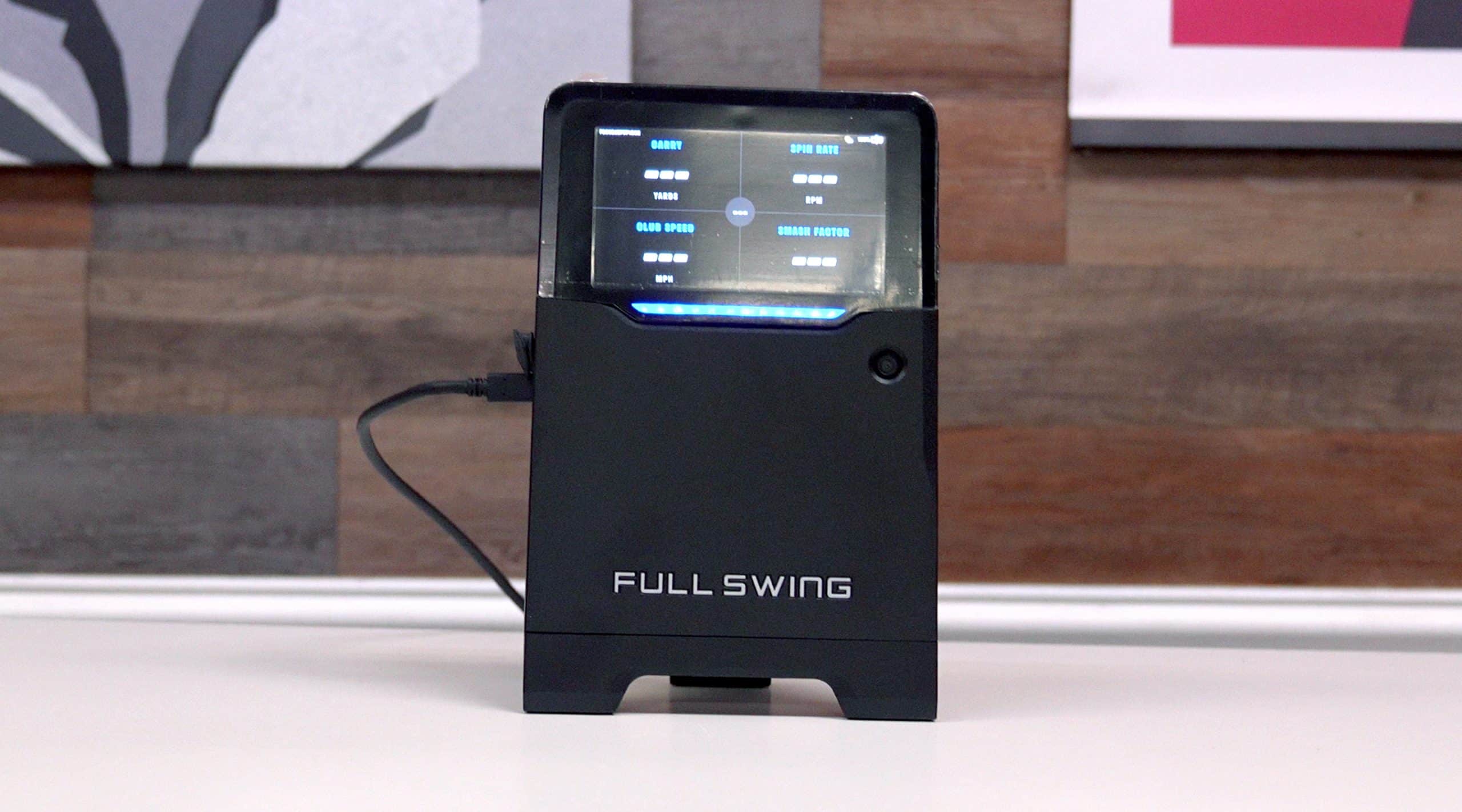
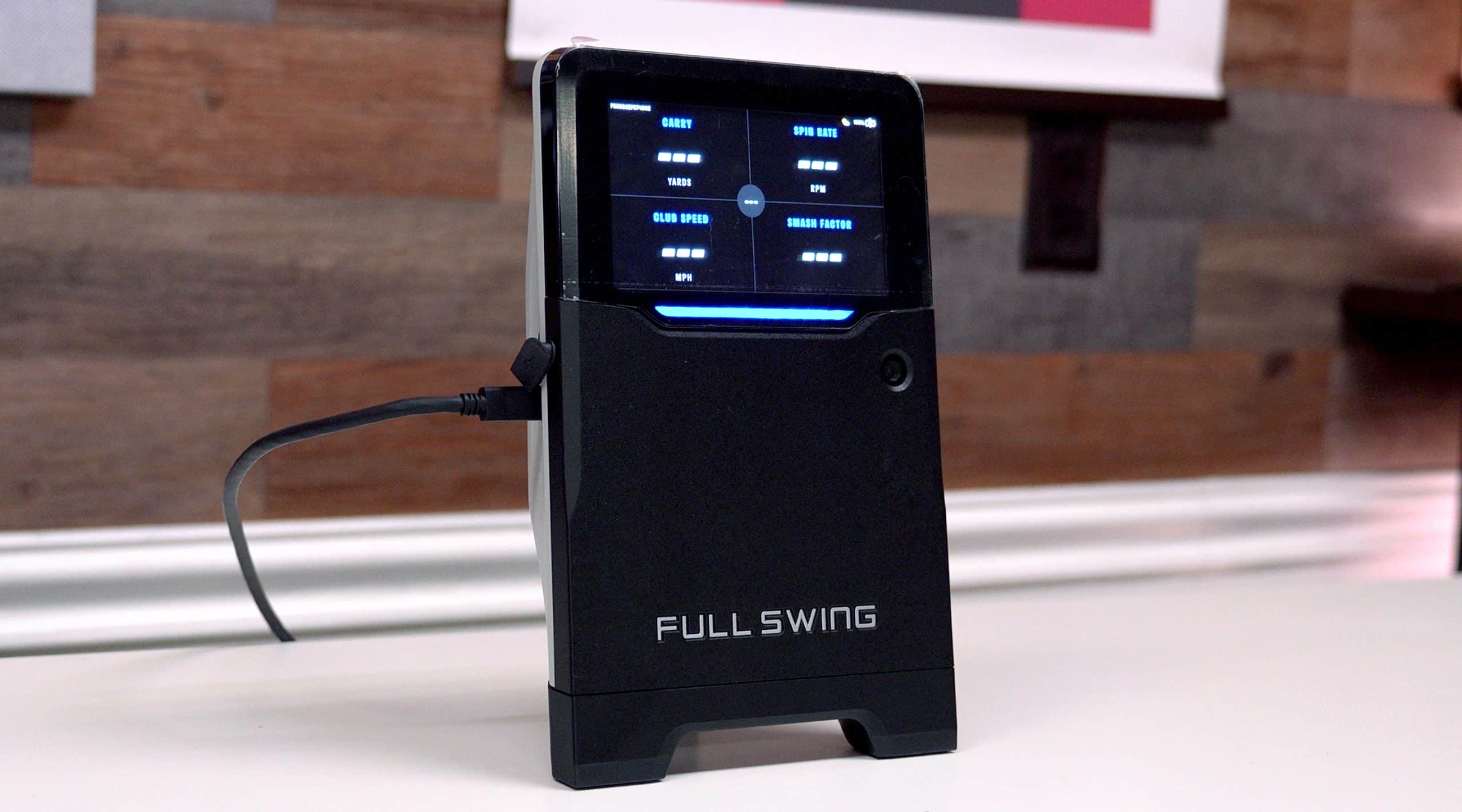
You get a portable launch monitor that measures 16 club and ball data points, and you don’t pay extra to see any of them. Carry, total distance, spin, launch, ball speed, club speed, face angle, club path, attack angle, it’s all there in the free app.
That’s a bigger deal than it sounds. Plenty of launch monitors make you pay every year before they’ll show you your club data. With the KIT, the numbers are just there.
It’s a radar unit with a built-in camera that records your swing, and your numbers show up on a screen right on the KIT, so you don’t need your phone to read them. The battery’s good for about five hours, so you can take it to the range and leave the cord at home.
Now, this is the part I can speak to. I was at an outdoor event where Full Swing put the KIT up against a TrackMan 4 and a GCQuad, with the real distances measured out on the range. For my pitching wedge, my 7 iron, my 5 iron and the driver, the KIT was within 1% of the actual measured distance. I saw the same thing when I did my own testing at home. Here’s that whole outdoor test.
Personally, I love the built-in screen, and for outdoor use I really like the KIT. If you want everything else I think about it, here’s my full Full Swing KIT review.
What’s Included in a Full Swing KIT Studio Package?
A KIT Studio package gives you the KIT plus everything you need to hit into a screen: an enclosure with side barriers, a projector, turf landing pads and a hitting mat.
It comes in two screen sizes, 10 feet and 12 feet, and each size comes two ways. The standard package runs the simulator off your own PC, iPad or iPhone. The PC version adds a touchscreen gaming laptop, so you’re not hunting for a computer that can handle it.
Here’s how I’d think about it. If you already own a computer that runs simulator software, or you’re happy playing off an iPad, the standard package makes sense. If you don’t, the PC version saves you from buying a laptop separately and hoping it’s good enough.
Now, here’s the fine print. The starting price is for the 10-foot package without the PC. Price out the exact size and version you want before you build a budget around it.
How Is the Full Swing Pro 2.0 Different?
The Pro 2.0 isn’t a KIT in a bigger box. It’s a different simulator with different tracking, and it’s built into your room.
Instead of the KIT’s radar, it reads the ball at impact with an overhead ION3 camera, then tracks it in flight with infrared and high-speed blue light LED cameras. Full Swing lists four HyperClear cameras, a custom-built computer and a cinema-quality projector.
The other big difference is who does the work. Full Swing calls the Pro 2.0 a turnkey setup that includes hardware, installation, training and support, and its team handles the planning, the 3D rendering, the electrical drawings and the install.
How Much Room Do You Need for a Full Swing Simulator?
For the KIT indoors, Full Swing wants 8 to 10 feet behind the ball and another 8 to 10 feet from the ball to your screen or net. Add those up and you need 16 to 20 feet of depth just for the radar to do its job. Outside it’s simpler. You set it 10 feet behind the ball.
The Studio packages have their own room numbers. The 10-foot screen wants at least a 9-foot ceiling, 12 feet of width and 18 feet of length. The 12-foot screen wants a 10-foot ceiling, 14 feet of width and the same 18 feet of length. And since the KIT is still doing the tracking inside either one, that depth rule from the KIT still applies.
And those are minimums. They’re not a promise that your driver clears the ceiling, so if you’re tall, take a club into the room and swing it before you buy anything. If you’re still measuring, here’s my guide to golf simulator space requirements.
What Will You Pay After You Buy a Full Swing Simulator?
Software is where most people get surprised. The free Full Swing app covers your live numbers, and it runs on both iOS and Android. But it’s not the whole app.
If you want your history, meaning your old sessions and how you’re trending, that’s Full Swing Premium, and it’s a paid tier. Premium is also where you get FS Combine, which scores your shots with Clippd Shot Quality.
Playing courses is a separate cost again. GSPro runs on a PC and E6 CONNECT runs on an iPhone or iPad, and both are sold separately. Full Swing’s own simulator software, Full Swing Golf for KIT, is available with the Studio PC packages, and it requires a subscription. If E6 is the route you’re leaning, here’s what E6 Connect costs.
So when somebody tells you Full Swing has no subscription, that’s true for your numbers. It’s not true once you want to play simulated golf.
Frequently Asked Questions
Which Full Swing simulator is worth it?
The KIT’s worth it if you want every data point without paying extra for it, and you’ll use it outside as much as inside. The Studio’s worth it if you’ve got the room and want a Full Swing simulator you can set up yourself instead of hiring out a build.
Is Full Swing as good as TrackMan?
At the outdoor event I was at, the KIT held up really well. My 7 iron and 5 iron were actually closer to the measured distance than the TrackMan, and the driver was a little less accurate than the TrackMan. That’s one event with my clubs, so here’s the bigger picture on how accurate Full Swing is.
Does Full Swing charge a yearly fee?
Not for your data. Your live numbers are free in the app. You pay for Premium if you want your history and FS Combine, and you pay for simulator software if you want to play courses.
Can you return a Full Swing KIT?
Yes, if you bought it direct from Full Swing in the U.S. You’ve got 30 days from delivery. Full Swing gives you an RMA number and a prepaid label, and it has to go back in the original box with all the accessories. After that, a defect is covered for 12 months with a repair or a refurbished replacement. The Studio pieces work differently. They’re covered by warranties instead: two years for the PC, one year or 12,000 hours for the projector, and 90 days for the enclosure. If you buy from a dealer, go by the dealer’s return policy.
How much space do you need for a Full Swing KIT?
Indoors, plan on 16 to 20 feet of depth. That’s the space behind the ball plus the space in front of it to your screen or net.
Conclusion
Here’s the catch with the Pro 2.0. Turnkey doesn’t mean every bit of work on your room is covered. If your space needs framing, more electrical, soundproofing or finishing, ask who’s doing it and who’s paying for it before you sign anything. Those costs depend completely on your room, so get them in writing.
If you mostly want great numbers and you’ll practice outside too, buy the KIT by itself and add software later. If you’ve got the room and want to play courses at home, the Studio is the simplest way to get there with Full Swing. The Pro 2.0 is for the golfer building a dedicated room who wants somebody else to handle it. And if you just want to play simulated golf on a tight budget, Full Swing is not for you, because you’d be paying for data you might never look at.

About the author
Paul Liberatore
Paul Liberatore is the founder of Golfers Authority and a former three-year golf gear contributor to Sports Illustrated. He runs the Golfers Authority YouTube channel and the Behind the Golf Brand podcast, and he reviews golf equipment to help golfers make better buying decisions.