E6 Connect's sticker price doesn't tell the whole story; you'll need hardware upgrades costing $1,500+, including an RTX 3060 graphics card ($400) and extra RAM ($80-150). Then there's the $400-800 annual subscription, plus launch monitor compatibility fees that can hit $699 yearly for premium features. Even their "lifetime" license still requires $300-600 in annual subscriptions, and commercial setups exceed $2,500. Keep exploring to reveal every cost they're not advertising upfront.
When you're shopping for E6 Connect golf simulator software, the $400-800 annual subscription might seem like your biggest expense, but the reality is, your computer hardware costs can easily double that investment! The fact of the matter is: E6 Connect demands serious computing power. You'll need at least an Intel i5 processor, 8GB RAM, and an Nvidia GTX 1070 graphics card just to meet minimum requirements. But here's where it gets expensive: Upgrading to recommended specs like an RTX 3060 GPU alone costs $400+, while jumping from 8GB to 24GB RAM adds another $80-150. Factor in a high-speed NVMe SSD and a compatible launch monitor, and you're looking at hardware costs that can easily exceed $1,500, suddenly making that software subscription look like pocket change! The newer E6 APEX requires even more demanding specifications, including Windows 10 64-bit, Intel i7-10th Gen processors, and 16GB RAM minimum. Additionally, maintaining optimal performance requires regular updates that may prompt further hardware upgrades as system requirements evolve. Beyond the computer itself, you'll need specialized tees and reflective golf balls that can add $20 to $100 to your annual operating costs.
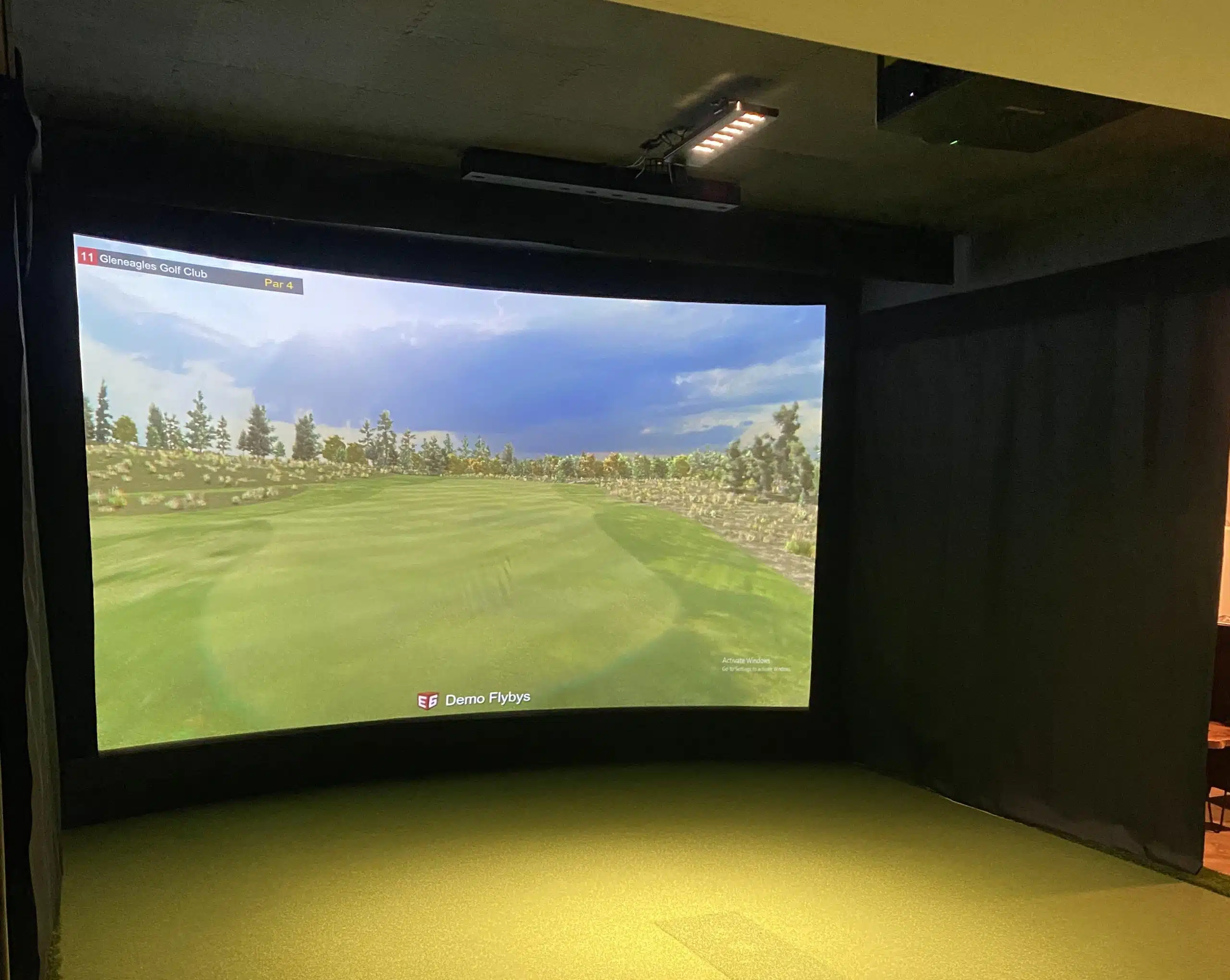
While E6 Connect's marketing makes their golf simulator software sound like an all-access pass to premium golf courses, the reality hits different once you're locked into their subscription model. You'll uncover that even the $1,000 lifetime license doesn't open everything; you're still paying $300-$600 annually for Basic or Expanded subscriptions.
Here's the kicker: courses rotate monthly, meaning your favorites might disappear without warning. That coveted Pebble Beach Resort Pack? You'll pay extra for it, regardless of your subscription tier. The Basic plan only gives you 27 standard courses plus 12 rotating ones, while premium tournaments and advanced analytics remain secured behind higher-tier paywalls. Commercial users face even steeper costs with Clubhouse Subscriptions required for remote management capabilities and installations reaching $2,500+. The software also demands 25GB of hard drive space just for basic functionality, eating up significant storage on your device. Despite advertising cross-platform compatibility, you're still limited to only PC and iOS devices, excluding Android users entirely. They've fundamentally turned golf simulation into a never-ending subscription service.
E6 Connect's subscription fees are just the beginning of your financial expedition. Most golf simulator enthusiasts get blindsided by launch monitor compatibility charges that manufacturers conveniently forget to mention in their marketing materials.
Here's the thing: that $600 Garmin Approach R10 suddenly costs $699 annually once you add the required subscription for premium E6 Connect features. The Bushnell Launch Pro hits even harder, demanding yearly fees ranging from $99 to $799 just to access simulator functionality. The popular GC2 has been discontinued and now forces buyers into the uncertain resale market, where pricing becomes even more unpredictable. Some premium models like the Foresight Sports GC3 offer fully unlocked units at $6,995, eliminating recurring costs but requiring substantial upfront investment.
Fortunately, some manufacturers break this trend. The Square Golf Launch Monitor and FlightScope Mevo Gen2 include full E6 Connect compatibility without additional fees. These transparent models, typically priced under $700, let you calculate your true costs upfront instead of revealing hidden charges after purchase. However, the Bushnell Launch Pro requires an additional $500 annual subscription for basic software usage beyond the device cost.

Unless you're planning to charge customers for simulator sessions, the pricing gulf between commercial and home E6 Connect licenses will shock you. We're talking about a jump from roughly $200 annually for home use to potentially $2,500+ for commercial setups.
Here's the thing: commercial licenses reveal features you probably don't need at home. You'll get multi-user access, tournament modes, and improved analytics designed for busy golf facilities. Meanwhile, your home license focuses on single-player fun with limited course selections. E6 CONNECT offers a home license option for around $1,000 as an upfront purchase, eliminating recurring annual fees.
Commercial operators also face strict usage restrictions and compliance requirements that don't affect home users. Plus, they're often tied into annual renewals with mandatory compliance checks, while you might snag a one-time purchase or less frequent renewal options. The commercial golf simulator market is growing at nearly 11% annually, creating increased demand for these premium licensing tiers.
What many users don't realize is that hidden annual costs may add an additional 10-20% for updates and course packs beyond the base licensing fees.
After you've shelled out for E6 Connect's base software, you'll quickly reveal that the real action and ongoing expenses live in their subscription tiers. The Basic plan costs $300 yearly for 27 courses, while the Expanded tier jumps to $600 annually, adding 57 more courses plus immediate access to new content.
Here's the kicker: without an active subscription, you can't access multiplayer games, leaderboards, or global tournaments. Your shot history and archived telemetry? Subscription-only features. Even basic online play requires that ongoing payment.
The content rotation system keeps you hooked; courses available this month might disappear next month, forcing continuous payments. Plus, premium course packs like Pebble Beach cost extra beyond your subscription fees! These annual costs mirror SkyTrak's Elite plan pricing at $599.99, which includes 70+ courses and additional discounts.
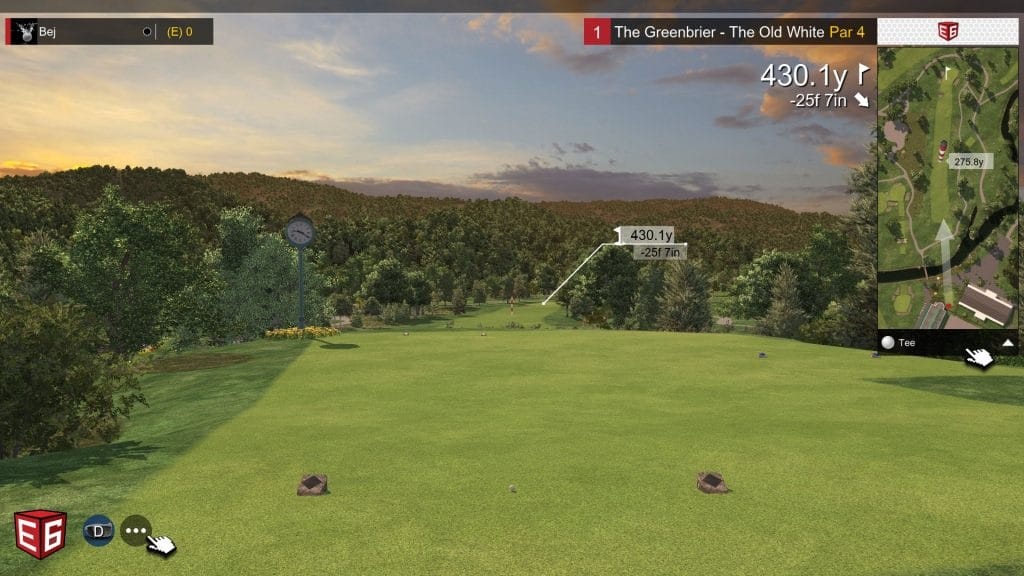
Yes, you can transfer your E6 Connect license to a new computer! You'll need to log into the E6 Connect portal, go to Profile > Settings > Licenses, and click "Unbind from Simulator" on your old device. Then enter your product key on the new computer and restart the software. However, you can't transfer ownership to another person—it's tied to your email address permanently.
Your saved game data stays put when you cancel your E6 Connect subscription! All your shots, scores, and achievements remain stored at portal.e6golf.com. Here's the catch – you'll lose access to view that data while your subscription's inactive. Your account and player profile stick around though, so you can reactivate later and get everything back using your original login credentials.
Yes, you'll face regional restrictions on both fronts. Course availability depends on licensing agreements—certain courses might be blocked in your country due to copyright deals. Online tournaments can be restricted by your location, server access, and legal compliance issues. Your IP address determines what content you can access, and some regions get limited course selections or can't join specific tournaments due to prize distribution rules.
No, multiple family members can't use the same E6 Connect license simultaneously on different devices. You can create separate user profiles for each family member to track individual stats and handicaps, but only one person can play at a time. If you want to switch the license to another simulator or device, you'll need to manually unbind it initially through the E6 web portal, then bind it to the new setup.
Yes, software updates frequently break compatibility with older launch monitors. You'll face issues like putter detection failures, connection problems, and complete system shutdowns after updates. Older hardware often can't handle new software demands or protocol changes. For example, Uneekor QED systems have become non-functional after certain upgrades until patches were released. Always check firmware compatibility before updating!
You're looking at way more than just the sticker price when you buy an E6 Connect system. Between hardware upgrades, monthly subscriptions, launch monitor fees, and commercial licensing costs, you could easily spend double what you budgeted. Don't let these sneaky expenses catch you off guard! Do your homework, read the fine print, and factor in all the ongoing costs before you commit to any golf simulator setup.