
Most people think you need a big gaming PC to run a SkyTrak. You might not need a PC at all. Here’s exactly what the current SkyTrak app needs on Windows, when a Mac or iPad does the job instead, and how to check the computer you already own before you buy anything.
Which SkyTrak App Are You Running?
The specs in this article are for the current SKYTRAK app, version 5.0 or later, which is the app that runs both the SkyTrak+ and the SkyTrak ST MAX. Get this part right first, because SkyTrak has more than one set of requirements floating around the internet.
SkyTrak doesn’t sell the SkyTrak+ new anymore. The ST MAX replaced it, and both units run on the same app, so you’re checking your computer against the same list either way, with one processor wrinkle on the ST MAX I’ll get to below. If you’re not sure which unit you’ve got, here’s how the original SkyTrak and the SkyTrak+ differ.
Now, SkyTrak also has an old app called SKYTRAK Lite, and its list goes back to Windows 7 with 4GB of RAM. That’s where those old 4GB numbers you see online come from. They’re not the requirements for the current app, so don’t build a computer around them.
And if you’re planning to run a third-party simulator instead of SkyTrak’s own app, that program sets its own requirements, so check its list too. GSPro is a good example. On the ST MAX, it runs through a community connector, not official SkyTrak support.
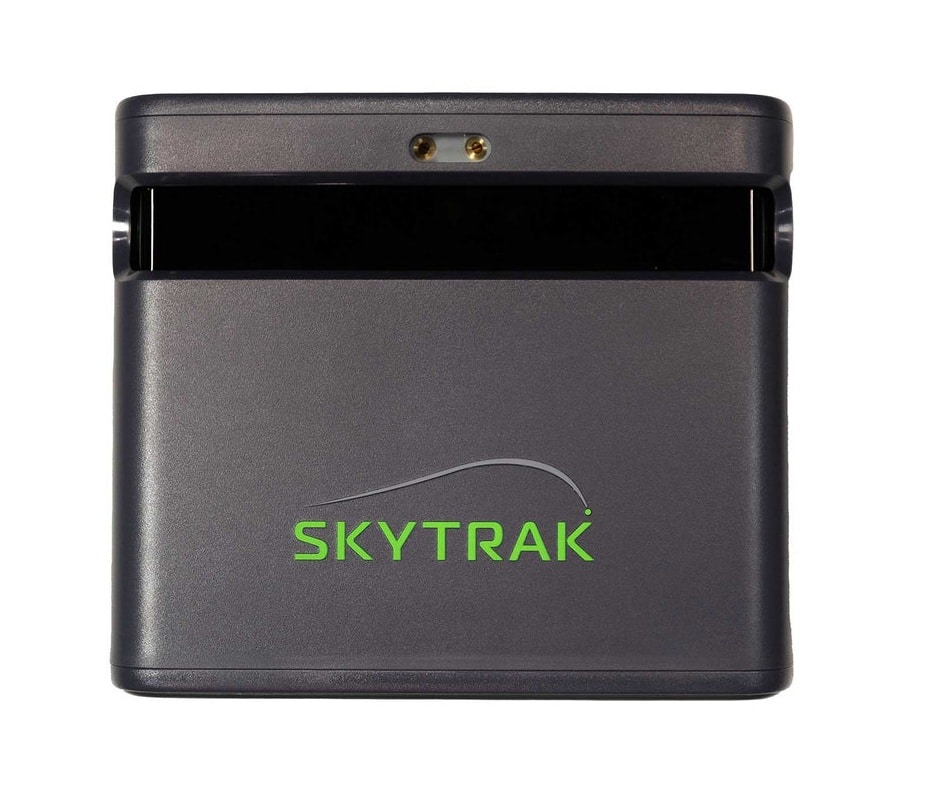
- Accurate shot data
- Portable and easy setup
- Compatible with simulators
- Expensive
- Needs good lighting
- Limited club info
What PC Specs Does SkyTrak Need?
On a Windows PC, the current SkyTrak app needs 64-bit Windows 10 or 11, 8GB of RAM, an Intel i3 10100F or AMD Ryzen 2600, an Nvidia GTX 1650 or AMD Radeon 580, and a 128GB SSD.
Look at the graphics card first. The minimum names a dedicated card, so a desktop or laptop that only runs on the graphics built into the processor doesn’t meet it, no matter how fast it feels for email and spreadsheets.
The drive matters too. SkyTrak lists a solid-state drive, not a spinning hard drive. And that 128GB is the size of the drive, not how much room the app takes up, so if your SSD is already packed full, clear some space before you install.
Here’s the catch, though. SkyTrak’s support guide and membership page both list the i3 10100F as the minimum processor, but the ST MAX product page lists an Intel Core i5 or better. If you’re setting up an ST MAX and your computer sits right at that i3 line, I’d ask SkyTrak support before you count on it.
Is the Minimum Enough, or Should You Go Bigger?
The minimum gets the app running, but SkyTrak’s support guide recommends 16GB of RAM or more and a 500GB SSD or larger, and the graphics card is where the real step-ups happen.
SkyTrak splits its graphics recommendation into three looks. For HD graphics, it recommends an Nvidia GeForce 1060 or AMD RX 5600 with 4GB of memory or more. For 4K, it’s an RTX 2060 or RX 6600 with 8GB or more. And for max graphics, it’s an RTX 3060 or RX 6800 or greater.
Pay attention to the memory part. The same card name can ship with different amounts of memory, so a card with the right name and too little memory doesn’t hit the tier. Check the memory, not just the model.
Now, these tiers tell you what SkyTrak recommends for each look. They’re not a frame-rate promise, so don’t let anybody sell you a “guaranteed smooth” build off this list. If you’re running a 4K projector, aim for the tier that matches your display. If you’re hitting into a regular HD screen, the HD tier is the one to look at.
Can You Run SkyTrak on a Mac, iPad or Android Instead?
Yes. If you already own an Apple Silicon Mac or an M-series iPad, you might not need a PC at all.
For a Mac, SkyTrak lists an M1 chip or newer running macOS 13 Ventura or newer, and there’s a native Mac version of the app. That’s a big deal if you’ve got an M-series MacBook sitting on the desk, because you can skip the whole Windows build.
For an iPad, course play needs an M-series chip, meaning the M1, M2, M3 or M4. The old Lite app ran on older iPads too, so don’t assume yours qualifies just because it ran SkyTrak a few years ago.
Android works too, but read the memory line carefully. SkyTrak wants 12GB of physical RAM, and a lot of Android phones and tablets advertise a total that includes “virtual” RAM. That virtual RAM doesn’t count. SkyTrak’s membership page also lists 64GB of storage and a 2020 model or newer.
How Do You Check Your Computer and Connection?
Press Ctrl+Shift+Esc to open Task Manager, click Performance, and you’ll see your processor, memory and graphics card all in one place. On Windows 10, Performance is a tab across the top. On Windows 11, it’s on the left.
Here’s a tip. GPU 0 is typically the graphics built into your processor, so click GPU 1 to find your dedicated card. If there’s no GPU 1 at all, there’s a good chance you don’t have a dedicated card. Write down the exact names and compare them with the list above.
On an iPad, go to Settings, then General, then About, and find the model number. Search that number, then check Apple’s specifications page to see which chip it has.
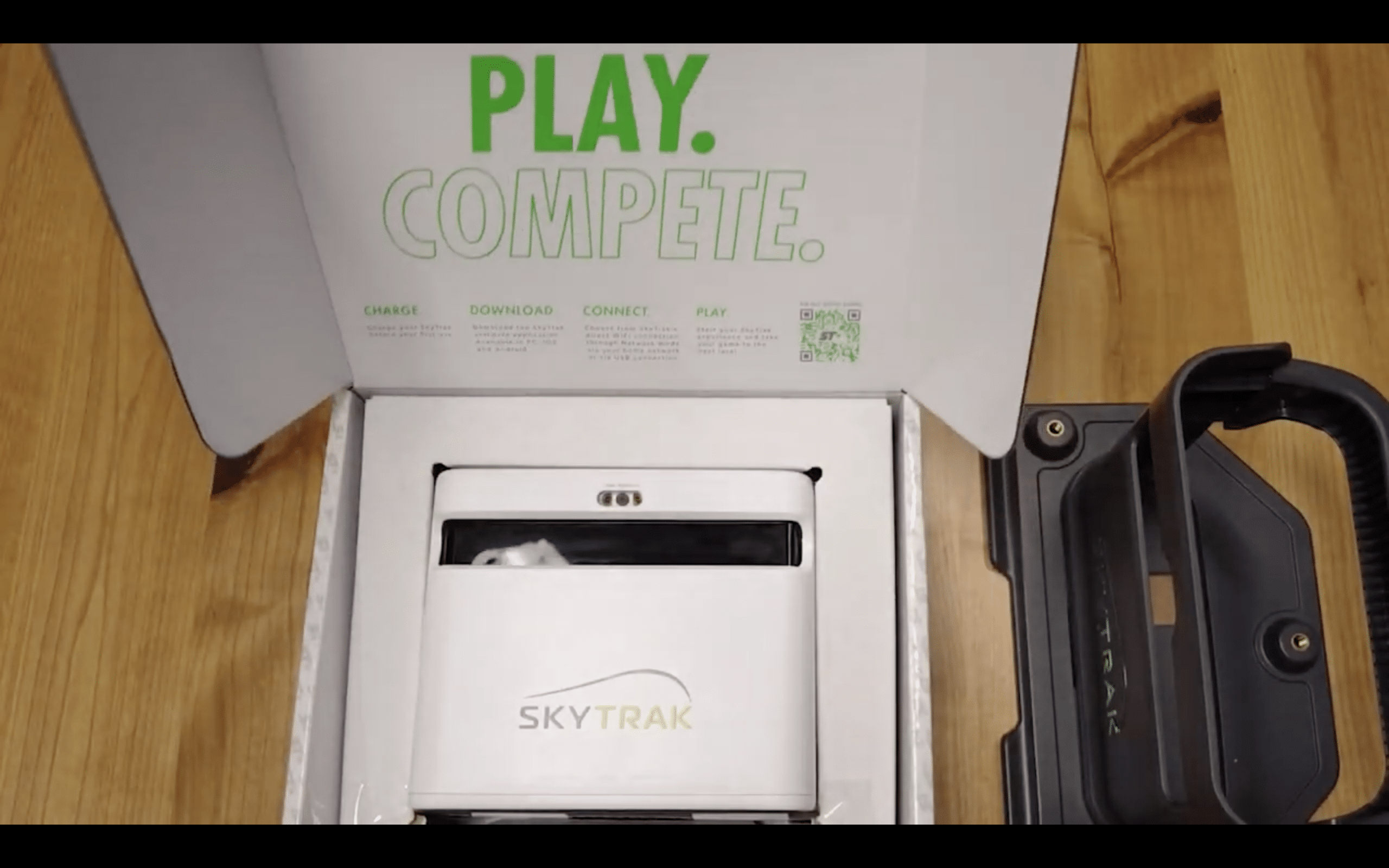
Then look at your connection. SkyTrak wants 5GHz Wi-Fi, except for the original SkyTrak, which uses 2.4GHz, and it also lists an Ethernet connection for the PC in addition to Wi-Fi. When I unboxed the SkyTrak+, the 5 gigahertz Wi-Fi was one of the upgrades I called out, because it gives you a faster, more stable connection when you’re in range. Here’s that part of my SkyTrak+ review.
And don’t skip the VPN line. SkyTrak says no VPN software can be installed on your system for it to connect properly. If you’re thinking about running it off a work laptop with company security software, talk to your IT department before you start uninstalling things. You’ll also need an internet connection for first-time setup and to sync your license.
Once the computer checks out, the next thing is the room. Here’s how far your SkyTrak should sit from the screen.
Frequently Asked Questions
Can you use a refurbished computer for SkyTrak?
Yes. SkyTrak doesn’t care whether the computer is new or refurbished. It cares about the specs, so check the processor, the RAM, the dedicated graphics card and the SSD against the minimum list before you buy it.
Will SkyTrak run on a gaming laptop?
It can, if that exact laptop meets the list. Don’t trust the word “gaming” on the box. Open Task Manager and check the actual graphics card and how much memory it has. A laptop with only the graphics built into its processor won’t meet the minimum.
Can you use SkyTrak without a membership?
Yes, for the practice range. SkyTrak’s free Basic tier gives you a practice range with no subscription. Course play on the Foresight and Trackman courses comes with SkyTrak’s paid plans, and those are the plans the PC requirements are written around.
Does SkyTrak work on an Intel Mac?
SkyTrak’s Mac requirement is an M1 chip or newer, so an older Intel Mac doesn’t meet it. If that’s what you’ve got, plan on a supported PC or an M-series iPad instead.
Can you run SkyTrak on an iPhone?
Not for course play. SkyTrak says no iPhone currently works with course play, so you’ll need an M-series iPad, an M1 or newer Mac, or a PC that meets the list.
Conclusion
The catch is that these lists are SkyTrak’s, and they move. The current app has been through a lot of updates, and the requirements can change right along with it. So pull up SkyTrak’s system specifications page again right before you buy anything, not just when you first read about it.
If something you already own passes, skip the new computer and put that money toward the monitor or your setup. If nothing passes, that’s when buying or building one makes sense. And if you haven’t picked a launch monitor yet, start with my best launch monitors list before you worry about the computer.

About the author
Paul Liberatore
Paul Liberatore is the founder of Golfers Authority and a former three-year golf gear contributor to Sports Illustrated. He runs the Golfers Authority YouTube channel and the Behind the Golf Brand podcast, and he reviews golf equipment to help golfers make better buying decisions.