
The SS10 Smart Golf Swing Stick is $149.99, and the screen’s built into the grip, so your swing count, your best record and your tempo numbers are right there in your hands.
Is the Voice Caddie SS10 worth buying?
Swing sticks have been around forever, and most of them just tell you something swished. You swing, you hear a noise, and you’re guessing whether that one was better than the last one.
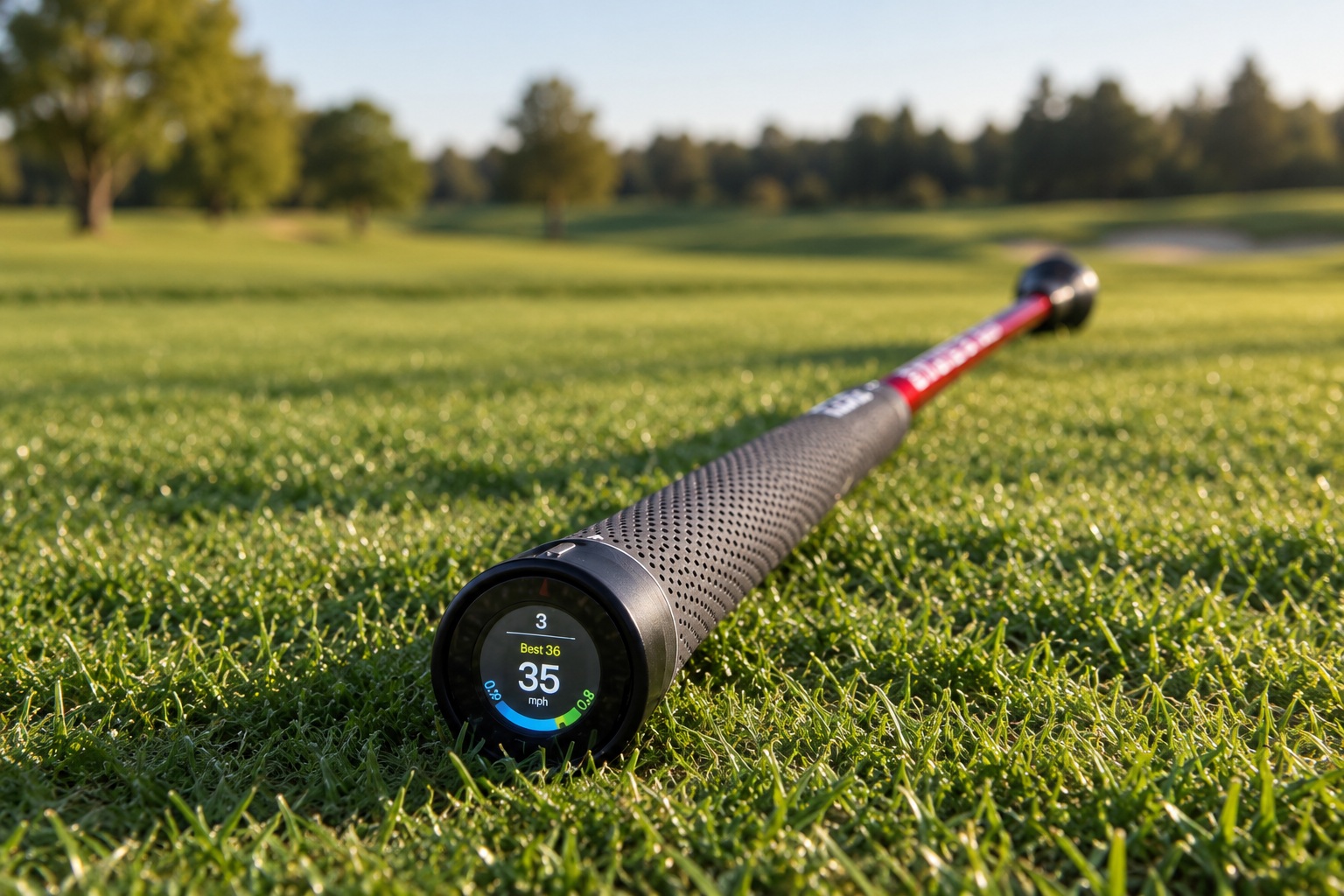
The SS10 is the version with a display handle and a sensor in the grip cap. It counts your swings, keeps a current and a best record, and draws your backswing and downswing times on a graph. Swing Speed and Carry Distance are the two modes, and the VOICE CADDIE S app handles the switching, the goals and your session history.
Here’s the thing to be straight about before you spend the $149.99. These numbers come off a stick, not off a golf ball. So here’s what it does well, what those readings actually are, and who should pass.
Quick Overview
- $149.99 listed by Voice Caddie.
- The display handle shows swing count, your current and best record, your selected unit, and backswing and downswing times on a graph.
- Swing Speed and Carry Distance modes, with the manual showing mode selection in the VOICE CADDIE S app.
- 27.6 inch stick at 0.99 pounds, with a 0.48 ounce sensor that lives in the grip cap.
- Bluetooth Low Energy 5.1, rechargeable lithium ion battery, charging over 5V USB-C.

Purchase the SS10 Smart Golf Swing Stick today to correct your posture and improve your accuracy on the green. Shop now for fast shipping and the best results!
Spec Sheet
| Specification | Voice Caddie SS10 Smart Golf Swing Stick |
|---|---|
| Price | $149.99 |
| Display | Digital display handle with swing count, current and best record, selectable unit, tempo graph |
| Modes | Swing Speed, Carry Distance |
| Tempo data | Backswing time and downswing time |
| App | VOICE CADDIE S, App Store and Play Store; the app asks you to sign up |
| Stick | 27.6 in, 0.99 lb |
| Sensor | 1.3 x 1.3 x 1.4 in, 0.48 oz, housed in the grip cap |
| Connectivity | Bluetooth Low Energy 5.1, pairing by Bluetooth ID |
| Battery | Rechargeable lithium ion, 3.85V 185mAh |
| Charging | Recommended 5V USB-C, charge before first use |
| In the box | Stick, sensor, swing stick head cover; the VOICE CADDIE S app is a separate download |
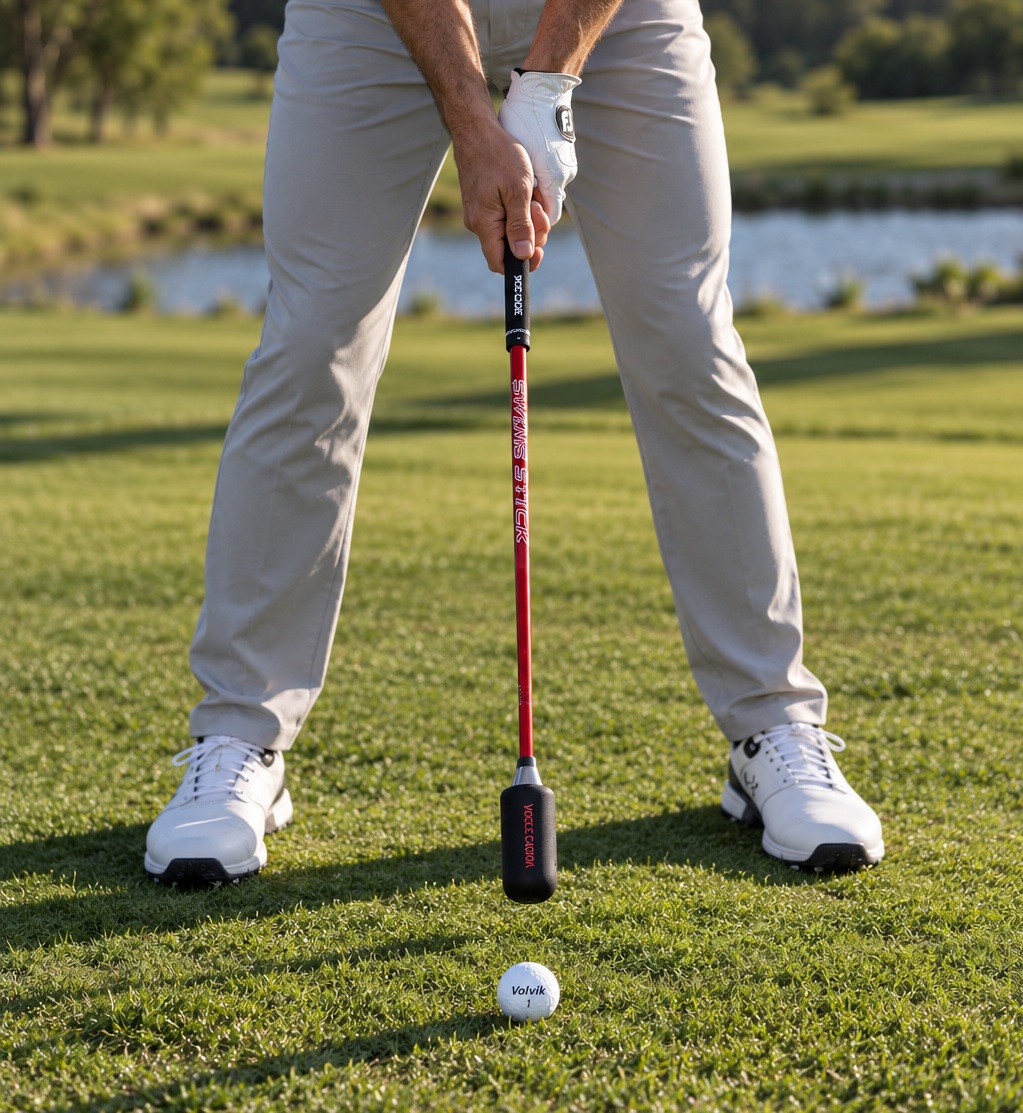
The Screen in the Grip Keeps Your Phone in Your Pocket
That’s the reason to pick this over a cheaper stick. You swing, you look down at the grip, and the number’s right there.
The handle keeps a swing count that resets to zero when you power it on, so every session starts clean. It shows your current record next to your best one. You pick the unit it reads in. And it draws your backswing and downswing times as a graph with both times listed.
That sounds small until you’ve practiced with a phone propped against a bag. You walk over, you squint at it, and whatever you were working on is gone.
The Backswing and Downswing Times Are What I’d Use
I’d use the timing numbers a lot more than the speed.
Speed’s fun. Tempo’s the thing that slides first when you’re tired or nervous, and it’s almost impossible to catch yourself doing it. You feel smooth and you’re not. A backswing time and a downswing time turn that into two numbers you can watch across a session.
I’m not handing you a target ratio and I’m not writing you a practice plan. What the SS10 gives you is a reading you can hold up against your own last swing. What you do with it is between you and whoever teaches you.
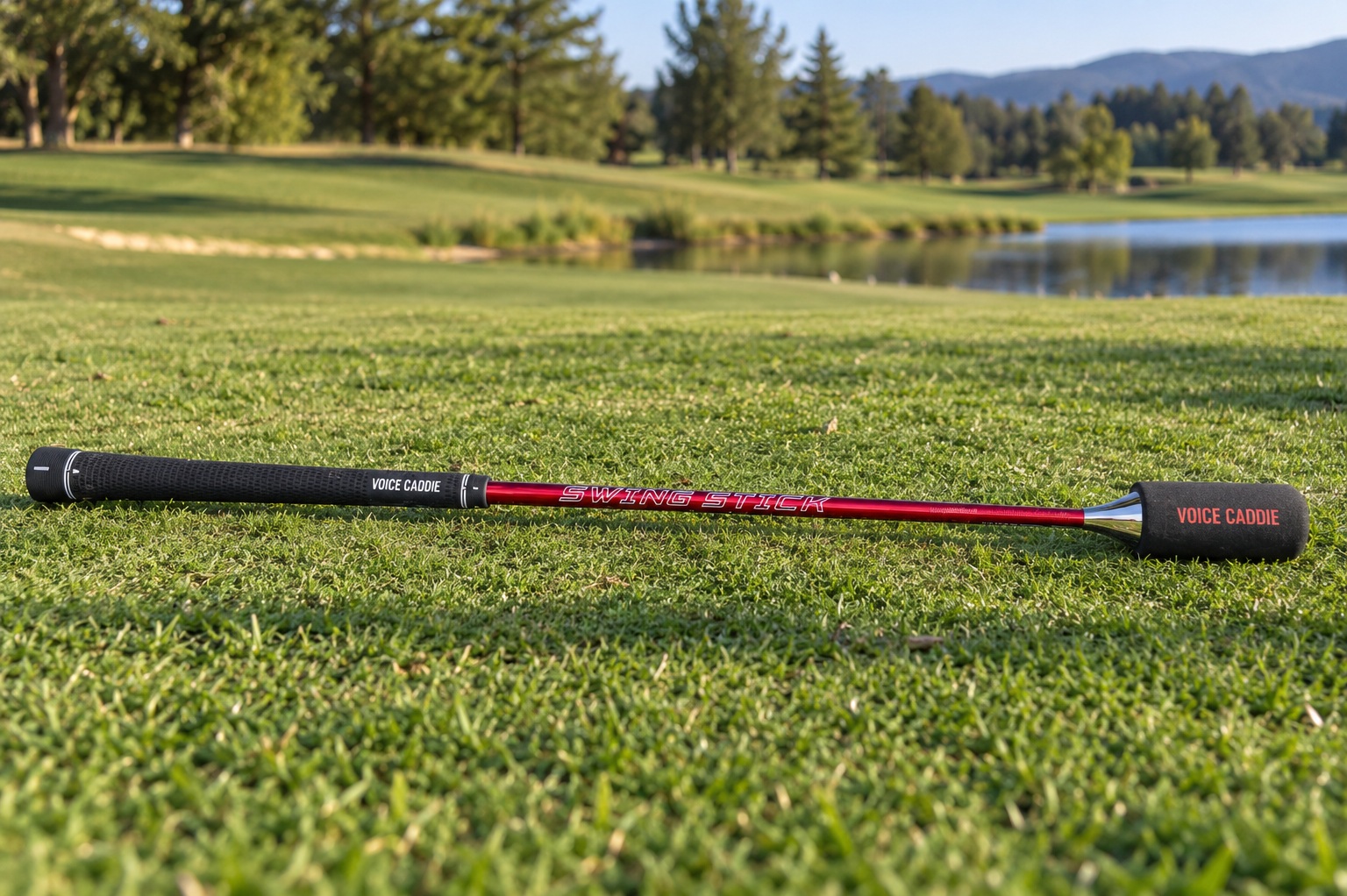
Speed and Distance Are Readings of the Stick, Not Ball Flight
This is the one limit that really matters here. The carry distance isn’t a measured golf shot. There’s no ball, there’s no strike, and nothing in the system watched a ball fly anywhere. Same deal with the speed: that’s a 0.99 pound stick moving, not a verified driver clubhead speed, so don’t go quoting it as one.
Used the right way it’s still useful. Compare today to last week on the same stick and you’ve got real feedback. But if you want club and ball data you can trust, that’s a launch monitor purchase, not a $149.99 one.
The Sensor Stays in the Stick, and the App Keeps the History
The sensor’s a 0.48 ounce cube that lives in the SS10 grip cap, and the manual’s direct about leaving it there instead of attaching it to a golf club. So this is a training stick with a brain, not a club sensor you can move into your driver.
Setup’s simple. Hold the power button, pair by Bluetooth ID, and put it on the charging cable before the first use. In the app you’ll see NO DEVICE until it connects, and then you’ve got Swing Speed Training, your session statistics, your training results and goals you can set. The live number stays in your hand, the history sits on your phone.
One safety note, because you’re swinging this thing hard. Give yourself a clear room for a full motion, keep it away from people and objects, don’t add weights to it, and keep it out of the water.
What I Don’t Love
The app handles mode selection, goals and history, and it asks you to sign up before you use it. If you wanted a training aid with no logins attached, that’s the annoyance.
And it’s a stick, so you need space. The manual tells you to use it in a clear area without giving you a clearance number, so look honestly at where you’d be swinging a 27.6 inch stick before you buy it for indoor work.
Who It’s For
Buy it if:
- You want a swing stick that gives you a number instead of a swish.
- You’re working on tempo and you want backswing and downswing times you can read in your hand.
- You like a swing count, a current record and a best record without picking up your phone.
- You’ll actually use the app’s goals and session history at $149.99.
Skip it if:
- You want verified clubhead speed or a measured carry number, because that isn’t what this is.
- You don’t want another app login.
- You haven’t got clear room for a full swing where you’d be using it.
Purchase the SS10 Smart Golf Swing Stick today to correct your posture and improve your accuracy on the green. Shop now for fast shipping and the best results!
- Instant Real-Time Feedback.
- Compact & Portable Practice.
- Tempo & Rhythm Conditioning.
- Lack of Ball-Flight.
- Short-Shaft Feel Discrepancy.
- Higher Price Point.
Frequently Asked Questions
Does the Voice Caddie SS10 measure my actual club speed?
No. It reads the SS10 stick, and the sensor’s designed to stay in the SS10 grip cap rather than move to a club. Use it to compare your own swings on the same stick, not to quote a driver number.
Is the carry distance a real shot distance?
No. Carry Distance mode gives you a reading off your swing with no ball involved, so treat it as the stick’s own scale instead of a measured carry.
Do I need the app?
The handle shows the live numbers, including swing count, your current and best record, and your backswing and downswing times. The manual shows mode selection, goals and session statistics in the VOICE CADDIE S app, and the app asks you to sign up, so that’s where the tracking lives.
What comes in the box?
The stick, the sensor and a swing stick head cover, with the VOICE CADDIE S app downloaded separately. The stick’s 27.6 inches and 0.99 pounds, the sensor’s 1.3 by 1.3 by 1.4 inches at 0.48 ounces, and you charge it over 5V USB-C before the first session.
Does the SS10 cost anything beyond the purchase price?
It’s $149.99, and Voice Caddie promotes the app as free. The only thing it asks for on top is a sign up for the app.
Final Thoughts: Voice Caddie SS10 Review
If you want a training stick that actually tells you something, the SS10 earns its $149.99, and the tempo numbers in the grip are why I’d pick it over a plain stick. Buy it as feedback for your own reps. Don’t buy it expecting clubhead speed or carry numbers you can hold up next to a launch monitor, because the readings come off the stick. Make sure you’ve got the room and you’re fine with the app login, and it’s an easy call at that price.

About the author
Paul Liberatore
Paul Liberatore is the founder of Golfers Authority and a former four-year golf gear contributor to Sports Illustrated. He tests golf equipment hands-on to help golfers make better buying decisions.